
Samsung Dishwasher Not Draining: Common Causes
Samsung dishwasher not draining? Samsung's own checks start at the sink connection and hose, not the pump. Learn what to check before calling for repair.
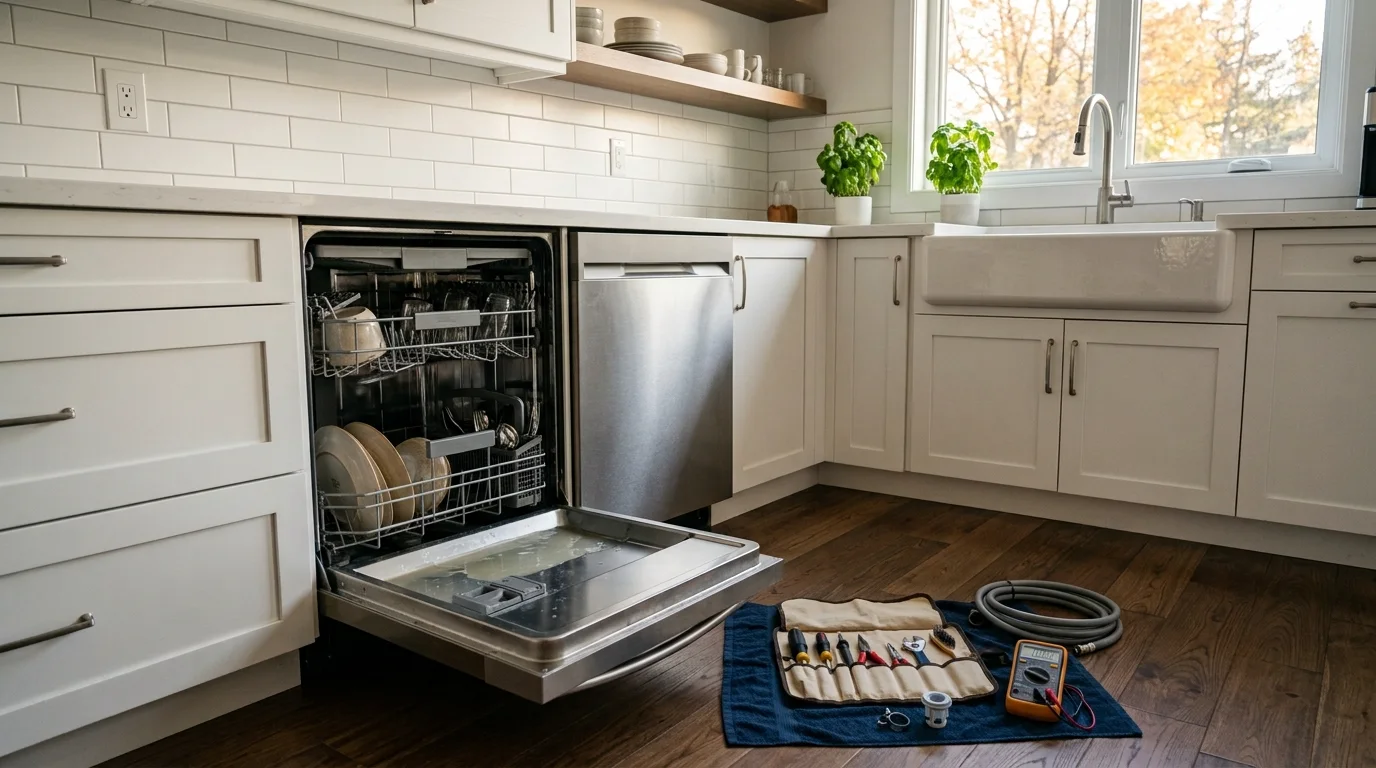
A Samsung dishwasher not draining usually needs the drain path checked in order, from the household sink connection back toward the dishwasher. A blocked sink or disposer connection, a kinked drain hose, debris in the filter or sump, or a drain-pump problem can all leave water behind. The symptom does not identify one failed part, and Samsung’s own Canadian guidance starts with external connections before deeper diagnosis.
Samsung Dishwasher Not Draining: Follow the Drain Path
Samsung Canada’s current troubleshooting sequence is useful because it starts outside the appliance. It tells owners to inspect the drain connection at the sink, examine the drain hose, test the sink’s drainage, and then clean the dishwasher’s drain, filter, and sump.
That order answers an important question: is the dishwasher unable to push water out, or is it pushing water into a path that cannot accept it? A clogged household drain can create the same standing-water complaint as an appliance fault, but the repair belongs in a different place.
For a related next step, read dishwasher repair Toronto.
Samsung’s Canadian instructions are available on its dishwasher not draining support page.
Four Drainage Patterns Worth Noting
The dishwasher drains slowly and the sink drains slowly too. Start with the household plumbing side. If water backs up in the sink during ordinary faucet use, the dishwasher may be connected to a restricted drain.
The sink is fine, but the dishwasher leaves water after every cycle. The hose, filter, sump, drain pump, or the dishwasher’s control of the drain stage deserves more attention.
The dishwasher pumps water out, then dirty water appears later. That points more toward backflow, drain-hose routing, an air-gap issue where one is installed, or the sink connection than toward a pump that never operated.
The problem appeared after installation or the dishwasher was pushed back into place. A hose can be pinched or twisted behind cabinetry. Installation timing is useful evidence because the fault may have been created mechanically without any component failing.
Stop-Use Warning Signs
Do not keep repeating cycles if the drainage issue is accompanied by a safety warning.
- Water on the floor or inside the cabinet base. Stop use until the leak source is understood.
- Burning odour, smoke, sparking, or heat damage. Disconnect power if it can be done safely and arrange service.
- Repeated breaker trips. Do not continue resetting the breaker and restarting the dishwasher.
- Grinding or harsh mechanical noise during the drain stage. Debris may be interfering with a moving component.
- Controls resetting or the machine stopping unpredictably. A drainage complaint may be part of a broader electrical or control issue.
If there is simply water left in the tub and none of those conditions are present, the following cause groups are more useful than immediately ordering a pump.
Where Samsung Dishwasher Drainage Problems Usually Develop
Sink, Disposer, or Drain Connection
The dishwasher ultimately depends on the household drain. Food buildup, a restricted disposer connection, or a sink drain that is already slow can prevent the dishwasher from clearing water normally. Samsung specifically recommends testing the sink drainage as part of its troubleshooting sequence.
If the sink itself cannot accept water freely, solve that condition first. Replacing a dishwasher pump will not correct a blocked household drain.
Drain Hose Routing or Damage
The hose can be compressed, twisted, kinked, or damaged. It can also be routed in a way that allows dirty sink water to return toward the dishwasher. Samsung notes that local installation requirements may call for an air gap or a high loop to help prevent backflow.
A hose problem is especially plausible when the dishwasher was recently installed, removed for flooring or cabinet work, or pushed farther back under the counter.
Filter, Drain, and Sump Debris
Food particles and debris can collect in the accessible filtration and sump area. Samsung’s Canadian guide includes cleaning the drain, filter, and sump after the sink connection and hose have been checked.
The exact parts that are intended for homeowner removal vary by model. Use the owner manual rather than forcing a cover, grille, or pump component that does not release as expected.
Drain Pump or Pump Path
If the external path and accessible filter area are clear, the pump becomes more important. A pump can be blocked by debris, mechanically damaged, electrically failed, or unable to move water against a downstream restriction.
Noise is helpful but not decisive. Humming can mean a pump is energized and struggling, but it can also occur when a restriction prevents flow. Silence can mean a failed pump, but it can also mean the control never commanded it or another condition prevented the drain stage.
Control or Sensor Problem
The dishwasher has to advance through the cycle and command the drain system at the correct time. A control fault, wiring problem, or incorrect input can prevent normal draining even when the hose and pump are physically clear.
This category is less useful for homeowner troubleshooting because it requires model-specific diagnosis rather than visual inspection.
Safe Checks a Homeowner Can Make
Samsung’s own support flow provides a sensible boundary for homeowner checks.
- Run water in the sink and watch the drain. A slow household drain can explain why the dishwasher cannot discharge properly.
- Inspect the sink connection. Look for an obvious obstruction, loose connection, or installation issue without dismantling plumbing you are not comfortable servicing.
- Inspect the visible dishwasher drain hose. Look for kinks, flattening, twisting, or a recent routing change.
- Clean the accessible filter and sump area according to the model instructions. Remove food debris and reinstall all pieces correctly.
- Use the normal cancel or drain function. Listen to what happens and note whether water movement begins.
- Record any information code or light pattern. Samsung maintains model-specific error information. Treat the code as a system clue, not proof that one component has failed.
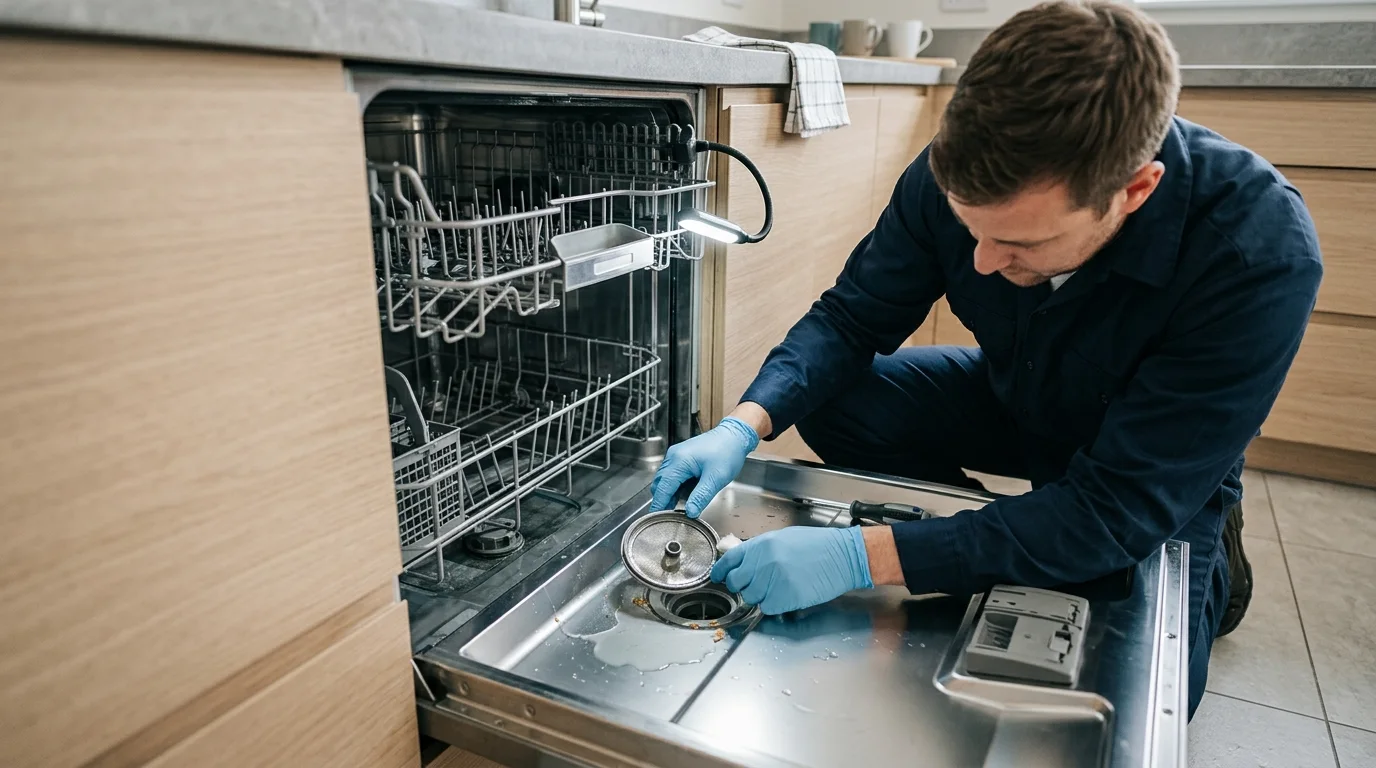
Do not reach into a pump area while the dishwasher is powered. Do not remove the appliance from the cabinet or open electrical housings as part of a basic homeowner check.
Why a Successful Pump Sound Can Still End With Water in the Tub
A pump can make a normal-sounding attempt and still fail to clear the dishwasher if the outlet path is restricted. The blockage may be after the pump, in the hose, at the sink connection, or in household plumbing.
The opposite can also happen. The dishwasher may move most of the water out but allow some to return because the drain connection does not prevent backflow effectively. That is why the timing of the standing water matters.
If the water never moves, think about the drain command, pump, or a complete blockage. If the water leaves and later comes back, think about the path after the pump.
What a Technician May Test
A technician can separate those two situations by checking actual flow while the dishwasher is in a drain stage. The hose and sink connection can be inspected for restriction, and the pump area can be checked for debris or mechanical damage.
If the path is physically clear, electrical testing can determine whether the drain pump is being commanded and powered. Wiring, connectors, the control, and relevant sensor inputs may also be checked depending on the model.
A technician can also verify whether an error or stored diagnostic history points toward a drain-system problem. The useful goal is not to replace the part named most often online. It is to find where the drain sequence stops working.
Brand-Specific Troubleshooting Should Still Be Model-Aware
Samsung sells multiple dishwasher platforms with different filter arrangements, pump access, displays, and diagnostic codes. A step that is appropriate for one model may not apply to another.
That is why this article keeps homeowner checks at the visible drain path and model-approved filter area. If the manual for your model does not show a homeowner-removable part, do not force access based on a different Samsung video or forum post.
No Drain and Backflow Are Different Problems
It helps to separate two complaints that look similar when you open the door. In a true no-drain condition, much of the wash water never leaves the dishwasher. In a backflow condition, the dishwasher may pump out correctly and then receive dirty water from the sink side afterward.
To tell them apart, observe the tub immediately after the drain stage if it is safe to do so. If the water disappears and later returns, the downstream connection becomes more important. If the water level barely changes while the pump is trying to run, a restriction or pump problem moves higher on the list.
This distinction can prevent an unnecessary pump replacement. A pump cannot correct a sink drain that is backing up or a hose arrangement that allows discharged water to flow back toward the machine.
What a Samsung Drain Code Does and Does Not Tell You
Some Samsung dishwashers can display a drainage-related information code when the machine detects that water is not leaving as expected. The exact code depends on the model and display style, so the owner manual or Samsung’s current code guide should be used for interpretation.
The important diagnostic point is that a drain code identifies a failed process, not necessarily a failed pump. A blocked hose, restricted sink connection, debris in the sump, pump problem, wiring issue, or control condition can all interfere with the same process. Clearing the code without finding the cause also does not prove the underlying problem is gone.
Useful Photos and Notes Before a Visit
If the problem is intermittent, take a photo of any information code and, if accessible, the hose connection under the sink. Record whether the sink drains normally and whether the dishwasher had recently been installed or moved.
Do not dismantle the machine for a better photo. A technician needs the symptom sequence more than a picture of an opened pump. The useful sequence is simple: what the dishwasher was doing, what sound you heard, whether water moved, and what happened afterward.
Why Repeated Resets Are Not a Diagnosis
Restarting the dishwasher can clear a temporary control state, but a reset does not remove a kink, clear a blocked sink drain, clean debris from the sump, or repair a pump that cannot move water. If the same drainage symptom returns, record it rather than repeating resets until the display looks normal.
A repeatable failure after a normal restart is useful evidence. It tells the technician the problem is persistent enough to reproduce and shifts attention back to the physical drain path, pump operation, and control inputs.
Repair or Replace?
A Samsung dishwasher not draining can be a minor installation or maintenance issue, a pump repair, or a control-related fault. The symptom is too broad to make a useful repair-or-replace decision before diagnosis.
Compare the confirmed repair with the dishwasher’s overall condition, repair history, installation, and realistic replacement option. There is no useful universal age or percentage rule that fits every case.
When to Request Appliance Repair
Professional assessment makes sense when the sink and visible hose are clear, the accessible filter and sump are clean, and the dishwasher still leaves water behind. Service is also appropriate for recurring drain-related codes, abnormal pump noise, leakage, electrical symptoms, or a problem that requires cabinet removal.
To arrange an assessment, Request Appliance Repair. Before the visit, note whether the sink drains normally, whether the dishwasher pumps any water out, whether the water returns later, and whether the problem began after installation or plumbing work. Those observations are often more useful than a guess about the failed part.
Need Appliance Repair?
Share the appliance, brand, address, symptoms and optional photos online. A contractor can review the request and contact you about availability and next steps.
Start Your Repair Request