
Samsung Refrigerator Not Cooling: What Can Cause It
Samsung refrigerator not cooling? Compare fridge and freezer temperatures first. One warm compartment and two warm compartments point to different systems.
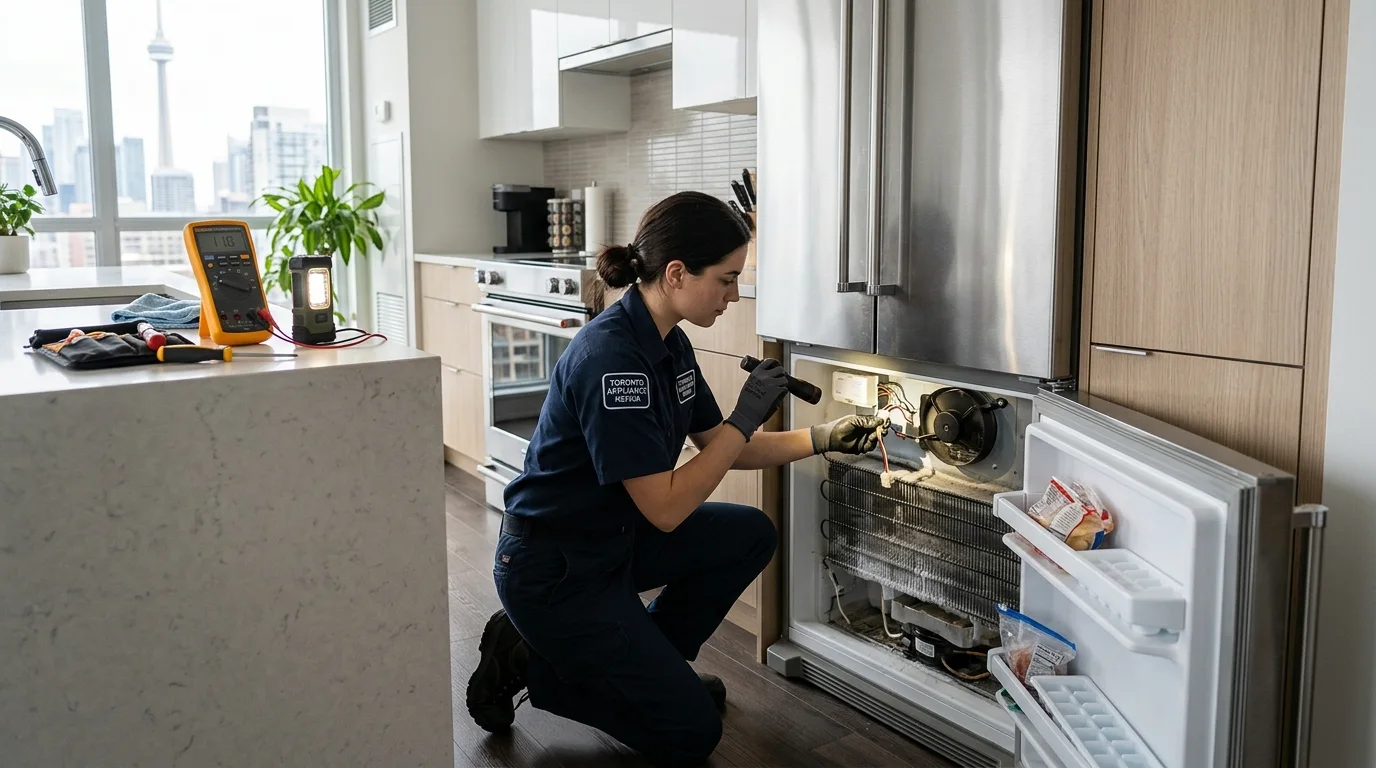
Before assuming a Samsung refrigerator not cooling has an internal failure, check four things: actual temperature, the display and settings, door closure, and whether air can move around and inside the cabinet. Then identify whether one compartment is warm or both are warm. That simple pattern can separate an operating-condition problem from a fan, defrost, control, compressor, or sealed-system issue that needs professional diagnosis.
Samsung Refrigerator Not Cooling: What to Check Before Starting
Start with the condition you can verify without taking anything apart.
- Measure the fridge and freezer temperatures. Do not rely only on the air you feel when the door opens.
- Look at the display. Record any blinking temperature or error code before clearing or power-cycling anything.
- Confirm normal cooling settings. Make sure the refrigerator is not in an unusual mode and that the set temperatures are appropriate.
- Close every door completely. Check for a drawer, package, shelf, or ice buildup preventing a seal.
- Look at food placement. Keep visible interior air vents clear rather than packing food tightly against them.
Samsung Canada’s current temperature guidance recommends checking actual temperature, door sealing, and overcrowding when the refrigerator is too warm. Samsung’s broader cooling troubleshooting also separates “not cooling enough” from “not cooling at all,” which is a useful way to avoid treating every warm-fridge complaint as the same failure.
For a related next step, read Samsung appliance repair Toronto.
Protect Food While You Diagnose the Appliance
Health Canada recommends keeping a refrigerator at 4 degrees Celsius or below and a freezer at minus 18 degrees Celsius or below. If measured temperatures are above that range, food safety takes priority over finishing a troubleshooting checklist.
Move high-risk perishables to reliable refrigeration if the appliance cannot hold a safe temperature. Do not use a generic “how many hours” rule from a power-outage article as a universal rule for every mechanical failure. The temperature and time history of the food matter.
Give a Temperature Change Time to Show a Real Result
A refrigerator does not change the temperature of all the food and interior surfaces the instant you change the set point. Samsung official guidance notes that a setting change can take time to appear fully in the compartment.
That means repeated adjustments every hour can create more confusion. Make one appropriate change, keep the doors closed as much as practical, and monitor the measured temperature. If it is steadily moving in the right direction, the system is responding. If it stays warm or continues to rise, the problem is not simply impatience after a setting change.
A blinking temperature display can also be useful evidence that the refrigerator itself recognizes the compartment is warmer than expected. Record what you see before resetting the appliance.
One Warm Compartment and Two Warm Compartments Mean Different Things
If the freezer remains properly cold but the refrigerator section warms, focus first on the systems that distribute cold air between or within compartments. Blocked vents, frost, a fan problem, or a compartment-specific air-control problem become more relevant.
If the refrigerator and freezer warm together, the scope becomes wider. Power, control, heat rejection, condenser airflow, fan operation, compressor starting, and the sealed refrigeration system can all enter the diagnosis.
This distinction does not identify a failed part. It identifies which systems deserve attention first. That is a better use of the symptom than jumping directly from “warm refrigerator” to “bad compressor.”
Door Sealing and Airflow Can Mimic a Major Cooling Failure
Warm room air enters every time a door opens. A door that does not close completely can turn that normal heat load into a continuous one. Inspect the visible gasket for food residue, folding, damage, or a section that does not contact the cabinet evenly.
Inside, cold air needs a clear path. A box, bag, or tall container pressed against an air outlet can make one shelf or compartment warm even when the cooling system is still producing cold air.
Outside, the refrigerator also needs to release heat. Follow the clearance and installation requirements for the exact model rather than assuming one universal spacing dimension. Do not block exterior ventilation openings with stored items or cabinetry modifications.
Frost, Fan Sound, and Error Codes Are Clues, Not Verdicts
Heavy frost around an airflow area can point toward warm-air infiltration or a defrost problem. A fan that rubs, ticks, or changes sound as frost accumulates can be part of the same pattern. Do not chip ice with a sharp tool because hidden tubing or wiring can be damaged.
Error codes are useful because they can narrow the affected system. Samsung publishes refrigerator error-code guidance for fan, sensor, and other conditions on supported models. But a code should not be treated as automatic proof that the named-looking component must be replaced. For example, a fan-related code can involve ice, wiring, the fan itself, a door condition, or the signal path the control is monitoring.
Record the exact code, when it appears, and whether it returns after the underlying condition is corrected.
Common Cause Groups After the External Checks
Airflow and Fan Problems
Fans move air across cold and warm heat-exchange surfaces and distribute conditioned air through the cabinet. A fan can fail electrically, become obstructed by ice, or be unable to move enough air because the path is blocked.
A freezer that remains cold while the refrigerator warms is especially useful evidence here. It suggests that cooling exists somewhere but may not be reaching the fresh-food section normally.
Defrost-System Problems
Automatic defrost prevents frost from building until airflow is blocked. A problem with the heater, sensor, control logic, wiring, or another defrost component can allow ice to accumulate over time.
Defrost trouble can look like a compressor problem because the final symptom is the same: the food warms. The difference is that the cooling source may still be working while ice prevents air from moving correctly.
Condenser-Side Heat Rejection
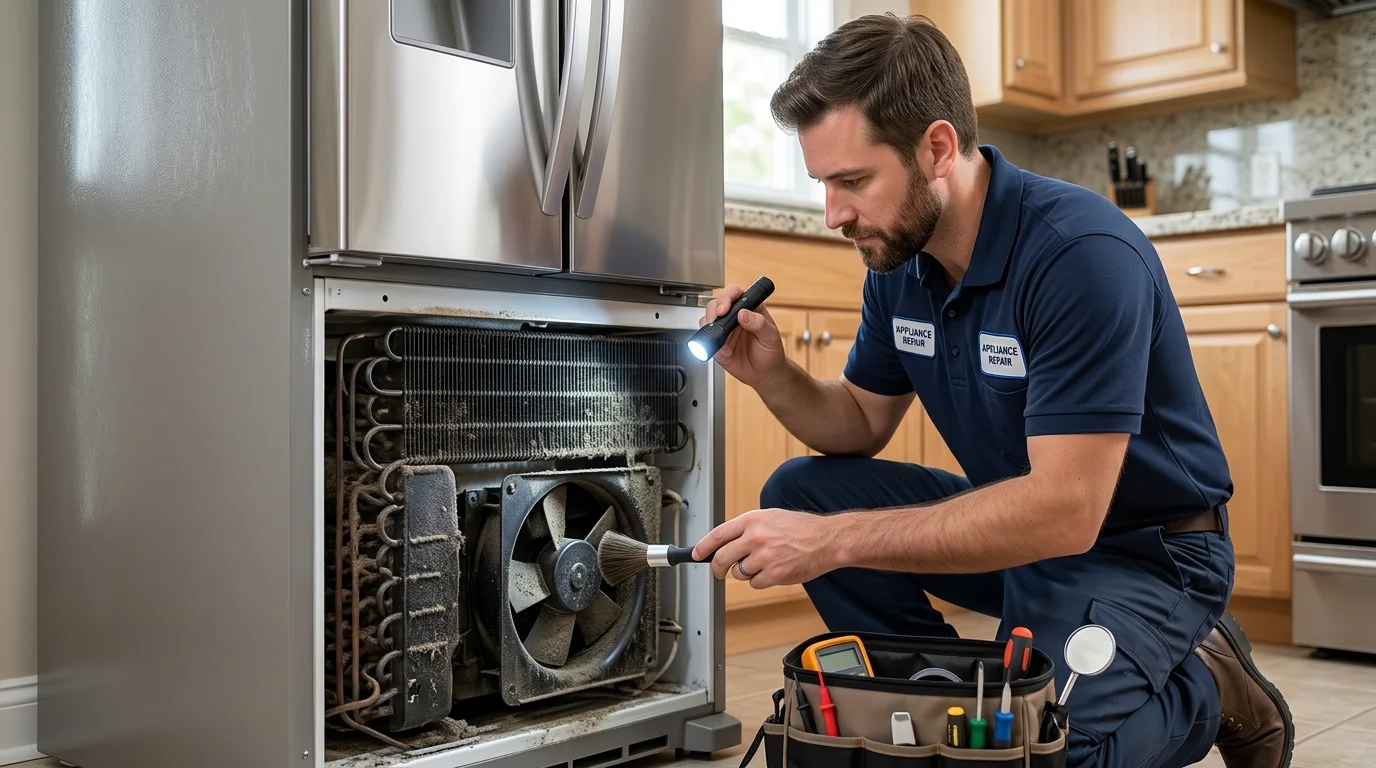
The refrigerator must release heat outside the cabinet. Depending on the model, restricted external airflow, fan trouble, or heat-exchange problems can reduce cooling performance. Use model-specific cleaning and access instructions instead of removing covers based on a generic coil-cleaning article.
Controls, Sensors, and the Refrigeration System
Temperature sensors and electronic controls tell the refrigerator when and how strongly to cool. A bad signal, wiring issue, control fault, compressor-start problem, or sealed-system condition can all leave the cabinet warm after the simple checks have passed.
At this stage, accessible homeowner checks are complete. What follows – controls, sensors, compressor behaviour, and sealed-system conditions – requires professional diagnosis and model-specific testing rather than visual inspection or parts substitution.
What the Compressor Sound Does and Does Not Prove
A quiet motor-like hum from the lower part of the refrigerator may be normal compressor operation. Repeated clicks with brief start attempts can be more concerning. A compressor that appears to run continuously while temperatures remain high also deserves diagnosis.
None of those sounds proves the exact failure. A compressor can run while cooling remains poor because of a sealed-system problem. A compressor can fail to start because of controls, wiring, protection devices, or the compressor itself. Sound narrows the investigation, but model-specific electrical and refrigeration testing separates the remaining possibilities.
Safe Checks a Homeowner Can Make
- Measure actual temperature. Record both compartments if possible.
- Confirm normal settings. Do not repeatedly change the set point while trying to judge performance.
- Record the display. Save any error code or blinking-temperature condition.
- Clear visible vents. Give internal airflow room around supply and return openings.
- Check door closure and gaskets. Remove obstructions and clean visible residue.
- Note frost and sound patterns. Heavy recurring frost, fan rubbing, or repeated clicking is useful service information.
- Check the household power only if the refrigerator is not operating. Samsung Canada has separate guidance for power loss; do not keep resetting a breaker that trips repeatedly.
Stop and disconnect the refrigerator if there is smoke, sparking, visible scorching, a strong electrical burning smell, or a breaker that repeatedly trips. Do not open refrigerant tubing or attempt sealed-system work.
Mistakes That Make Cooling Problems Harder to Diagnose
Judging temperature immediately after opening the door. The air changes quickly. Food and thermometer readings tell you more.
Changing settings repeatedly. The cabinet needs time to respond, so constant changes erase the trend you are trying to observe.
Ignoring the difference between one warm compartment and two. That pattern can significantly change which system deserves attention first.
Clearing an error code before recording it. The code is evidence. Save it first, then follow model-specific guidance.
Assuming any compressor noise means the compressor is good or bad. The sound is part of the pattern, not a complete diagnosis.
What a Technician May Inspect or Test
A technician can confirm temperatures, check sensor readings, verify fan operation, inspect frost patterns, test defrost components, and determine whether the control is commanding the expected cooling functions.
If the problem points toward the compressor or sealed system, model-specific electrical and refrigeration tests are needed. The purpose is to distinguish a control or start problem from a compressor or sealed-system condition before a major repair is recommended.
What to Check After You Finish the Basic Steps
After the doors are sealing, vents are clear, and settings are appropriate, avoid changing several variables at once. Keep the doors closed as much as practical and monitor the temperature trend. A refrigerator that is steadily recovering tells a different story from one that remains flat or keeps getting warmer.
Write down the fridge temperature, freezer temperature, any blinking display or error code, and whether the fans and compressor appear to start normally. If only one compartment remains warm, preserve that detail because it can help the technician focus on airflow and compartment-specific systems. If both compartments warm together, note whether the appliance is running continuously, cycling normally, or repeatedly attempting to start.
If the cooling problem began immediately after a move, power interruption, control change, or heavy restocking, include that timeline. It may not be the cause, but it gives the diagnostic sequence a useful starting point without pretending that timing alone proves a component failure.
Use the Timeline After a Move, Power Event, or Heavy Restocking
Cooling complaints are easier to interpret when you know what happened before the temperature changed. After a move, confirm the refrigerator is positioned normally, doors close without interference, and food is not blocking interior vents. After heavy restocking, warm groceries and frequent door openings can temporarily raise the measured temperature. Samsung also notes that temperature changes take time to stabilize, so one early reading after a setting change is not enough to condemn the cooling system.
After a power interruption, first confirm that the refrigerator has stable power and that the controls are operating normally. If the unit resumes cooling, continue to monitor actual temperatures rather than assuming the issue is resolved immediately. If it powers up but both compartments keep warming, record whether fans run, whether the compressor attempts to operate, and whether the display reports an error.
The timeline is evidence, not proof. A problem that appears after a move may still be an unrelated component failure. A refrigerator that warms after restocking may still have weak airflow or another fault. The point is to give the diagnostic process a logical starting place instead of jumping directly to sealed-system conclusions.
What Error Codes and Display Behaviour Actually Add
An error code is useful because it can narrow attention to a system or operating condition, but it should not be treated as the name of a failed part. Record the exact code before clearing it. Also note whether the display is resetting, flashing, showing an unusual temperature, or behaving differently after the doors close.
Samsung’s support process may use model-specific error information and power checks, but a generic reset sequence is not a universal repair. Repeatedly disconnecting power can erase the timing of an intermittent problem and delay the moment when the fault becomes observable. If a code returns after normal operation resumes, preserve that information for the service visit.
If there is no code, the absence of one does not mean the refrigeration system is healthy. Door sealing, airflow, defrost performance, fans, sensors, controls, and sealed-system conditions can all produce cooling symptoms without a simple user-facing code.
Repair Versus Replacement Comes After Diagnosis
A door-seal or airflow correction is not the same decision as a major refrigeration-system repair. Use the confirmed fault, overall appliance condition, repair history, and actual estimate rather than a fixed age rule.
That sequence also prevents two opposite mistakes: replacing the refrigerator for a correctable operating condition, or paying for a major component before the real failure has been proven.
When to Request Appliance Repair
Request professional assessment when actual temperatures remain too warm after settings, door sealing, and airflow are corrected; when one compartment repeatedly loses cooling; when heavy frost returns; when an error code persists; or when the compressor or fans show abnormal repeated start behaviour.
For a non-emergency cooling complaint at that stage, Request Appliance Repair. Include the model number, both compartment temperatures, any code, whether the display is blinking, and what changed immediately before the cooling problem began.
Need Appliance Repair?
Share the appliance, brand, address, symptoms and optional photos online. A contractor can review the request and contact you about availability and next steps.
Start Your Repair Request